
A place for every page, and a role for every person.
A Codex wiki is a set of spaces. Each space holds a tree of pages, and each page is Markdown. This page walks through how that looks in the web client today.

A space is a home for a team
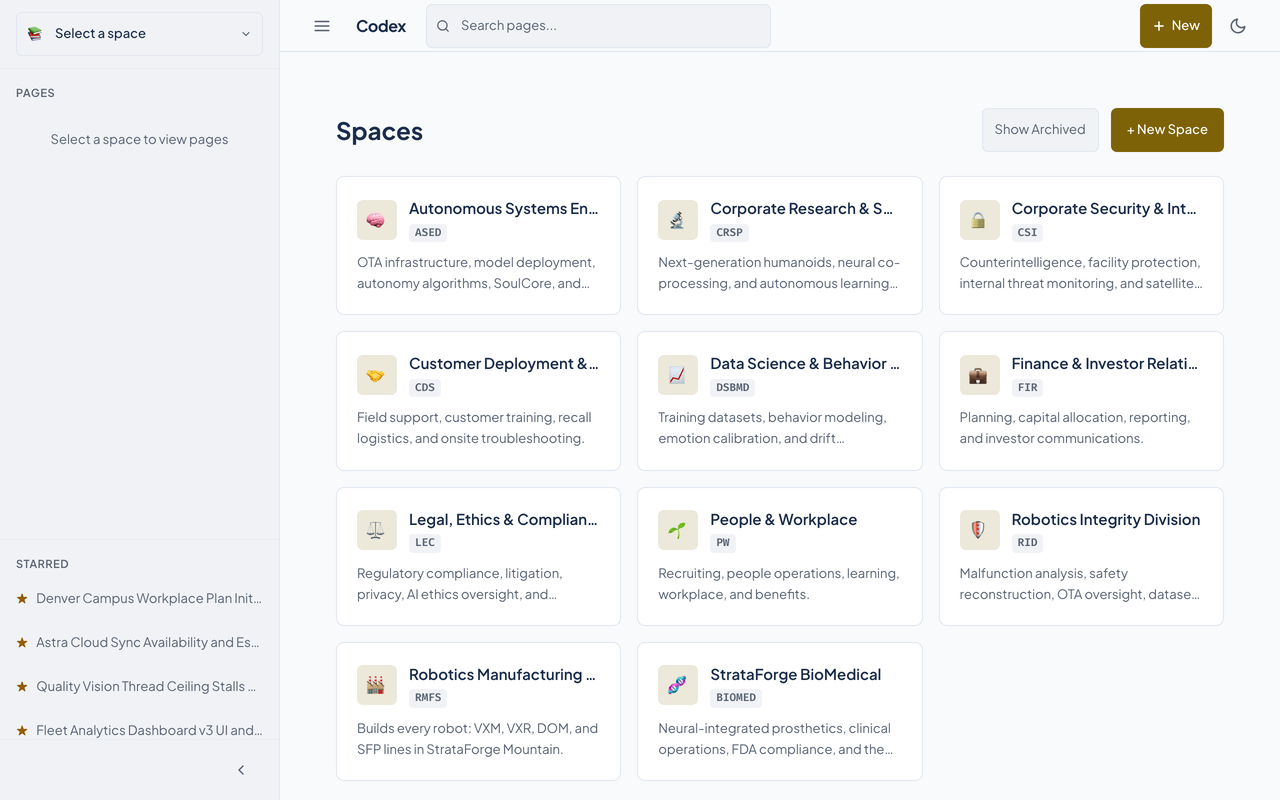
The captures on this page are real, from a local Codex seeded with StrataForge Robotics, a made-up company with one space for each of its eleven divisions that owns documents.
- A space has a short key (RID, ASED), a name, a description, an icon, and a visibility of private, internal, or public.
- The Spaces page lists every space as a card, and its Create Space form takes a key, a name, and a description.
- A space's settings page edits its name, description, and visibility, and holds a danger zone for deleting it.
Pages nest in a tree
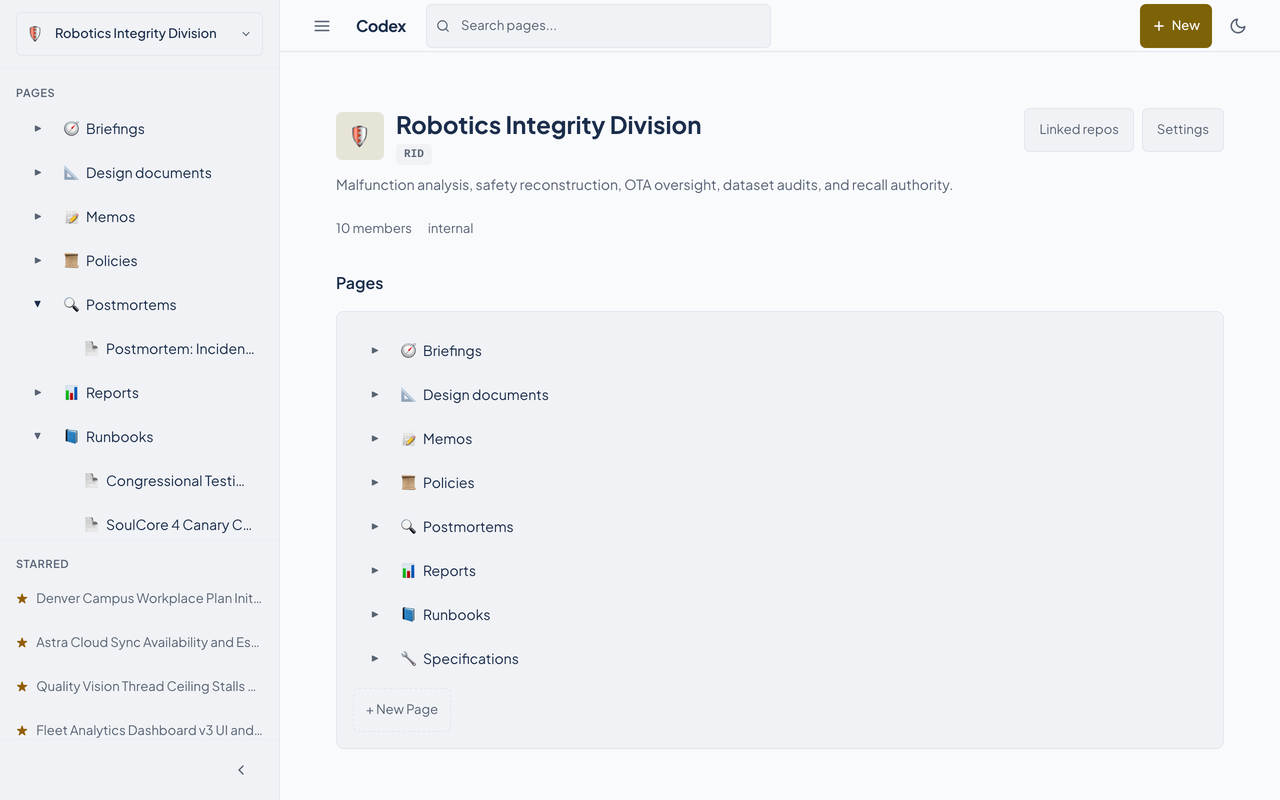
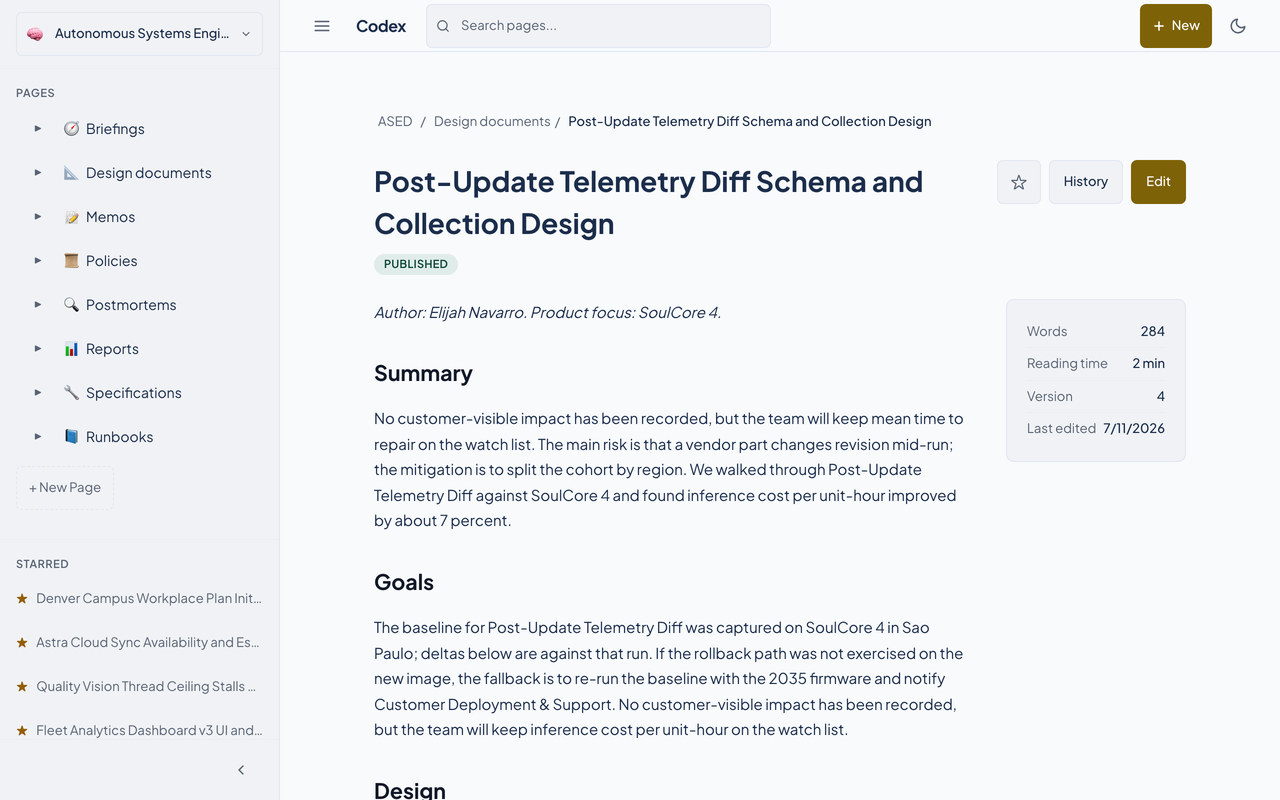
Pages sit under other pages. The sidebar shows the tree for the space you are in, and a page's breadcrumbs show its path.
- Folders expand and collapse in the sidebar, and a pinned page carries a pin.
- Each page shows a status badge: draft, published, or archived.
- The sidebar's New Page button adds a page to the space.
Members and roles
Each space has its own members, and each member has one of four roles.
| Admin | Everything an editor can do, plus the space's settings and its members. |
|---|---|
| Editor | Writes and edits pages. |
| Commenter | Reads. The role is listed separately from Viewer. |
| Viewer | Reads. |
The settings page adds a member by user ID and lists members by user ID, because Codex stores people as IDs. It does not show names yet, so this site does not show that screen.
Pages mirrored from git
A space can be linked to a git repository, so documentation that lives in code can be read in the wiki.
- Codex clones the repository over SSH with a key you register on its SSH keys page, and a webhook signed with HMAC can trigger a sync when the repository changes.
- Markdown files become read-only pages marked synchronized, and relative links between them become wiki links.
- Pressing Edit on a mirrored page explains that the page is edited in the repository and offers a link to it.
The sync code is covered by the repository's own tests. We did not run a live sync for this site, because it needs an SSH key and a real repository.
Questions about this tool?
Write to Renkara Media Group and a person will answer.